Best web hosting platforms for photography portfolios
A photography portfolio has a demanding job: it must display large, detailed images beautifully while loading quickly on phones, supporting professional communication, and helping potential clients find the photographer behind the work. The right hosting platform therefore affects far more than where files are stored. It influences presentation, search visibility, sales, maintenance, and the impression a visitor forms within the first few seconds.
Photographers can choose from all-in-one portfolio builders, specialist gallery services, managed WordPress hosting, and general website platforms. Each option solves a different problem. A wedding photographer may need proofing galleries and print sales, while an editorial photographer may value clean typography, fast case-study pages, and complete control over image presentation.
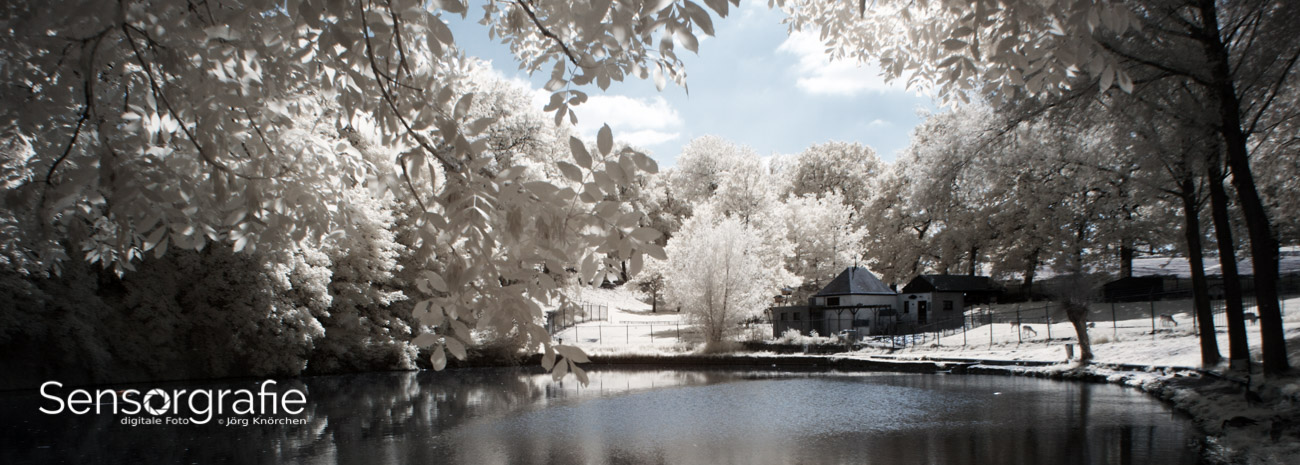
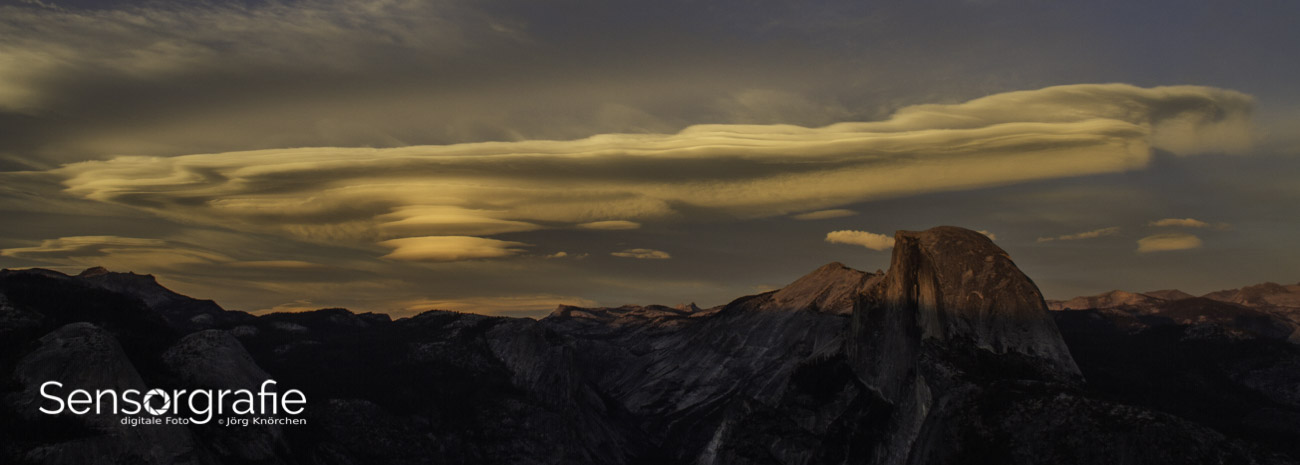
A strong portfolio should also support the wider photographic practice. Articles about technique, equipment, and creative process can attract search traffic, while a well-organized contact page turns that attention into assignments. The Sensorgraphy photography site demonstrates how a photography-focused website can combine visual work with reviews, guides, and industry content.
What a photography portfolio needs
The first requirement is reliable image delivery. Modern cameras produce files that are excellent for editing but excessive for the web, so a host should work well with compressed JPEG, WebP, and AVIF images. A content delivery network, browser caching, and responsive image sizes help visitors see a sharp photograph without downloading a needlessly large original.
Storage matters, but unlimited space is not automatically the best value. Many photographers keep RAW files, layered edits, and finished images in a dedicated backup system rather than on their public website. Portfolio hosting is primarily for carefully selected, web-ready images. A platform with moderate storage, strong organization, and predictable performance can be more useful than one advertising a huge storage allowance.
The design system should accommodate full-screen images, project series, captions, and contact details without forcing every portfolio into the same template. Look for flexible galleries, password-protected collections, custom domains, accessible navigation, and responsive layouts. If the site will sell prints or license images, built-in commerce and payment tools may save substantial setup time.
How the main platform types differ
All-in-one builders such as Squarespace and Wix combine templates, hosting, editing tools, domain connections, and basic marketing features. They are attractive to photographers who want to publish quickly without managing updates or server settings. Their visual templates are generally polished, though advanced customization can be limited by the platform’s design system.
Specialist photography services such as SmugMug, Format, and Pixpa concentrate more heavily on galleries, client delivery, proofing, and visual portfolios. Their workflows often feel natural for photographers because albums and image collections are central rather than secondary features. The trade-off can be less freedom for complex editorial websites, custom functionality, or unusual navigation structures.
WordPress hosted through a managed provider offers the broadest ecosystem. A photographer can select a portfolio theme, add a gallery plugin, publish long-form articles, and expand into education or digital products. This flexibility brings responsibility: updates, plugin conflicts, security, backups, and performance optimization must either be handled by the host or included in the photographer’s workflow.
Platform comparison for visual portfolios
The best web hosting platforms for photography portfolios are not identical in purpose. A service designed for client proofing may be a poor fit for a photographer who wants an independent magazine-style site, while a flexible publishing platform may be excessive for someone who only needs galleries and a contact form.
The comparison below focuses on practical priorities: visual presentation, client features, ownership, and maintenance. Pricing changes frequently, so the provider’s current plan details should be checked before making a purchase. Free tiers may also include platform branding, limited storage, or restrictions on connecting a custom domain.
| Platform type |
Strongest use |
Main advantages |
Potential limitations |
| Squarespace |
Polished portfolio and business website |
Elegant templates, integrated hosting, blogging, commerce, simple maintenance |
Less granular control over galleries and server configuration |
| Wix |
Custom visual layouts and small creative businesses |
Flexible editor, broad app marketplace, quick publishing |
Design freedom can affect consistency and performance if poorly managed |
| SmugMug |
Client galleries, image delivery, and print sales |
Photographer-focused albums, privacy controls, ecommerce options |
Less suited to complex editorial content or highly customized site structures |
| Format |
Clean portfolio presentation and client work |
Portfolio templates, proofing tools, simple setup, professional appearance |
May offer fewer extensions than a general-purpose CMS |
| Pixpa |
Portfolio, galleries, and small online stores |
Built-in galleries, client proofing, commerce, affordable all-in-one approach |
Template and content flexibility may not match a full CMS |
| Managed WordPress |
Long-term publishing and customization |
Extensive themes and plugins, strong SEO potential, content ownership |
Requires more decisions and careful maintenance than hosted builders |
Where each platform fits best
Squarespace is a sensible choice for photographers who want a refined website with portfolios, biography pages, service descriptions, blogging, and contact forms in one place. Its templates tend to emphasize large imagery and generous spacing. A commercial photographer can also add basic ecommerce and scheduling tools without assembling a complex technical stack.
Wix suits users who want to control individual page elements more freely. It can work well for a photographer with several specialties, such as portraits, architecture, and workshops, because the editor supports varied layouts. That freedom should be used carefully: excessive animation, oversized files, or inconsistent navigation can make a visually ambitious website slower and harder to use.
SmugMug is particularly strong when the portfolio is connected to client delivery. Wedding and event photographers can create private galleries, share selected collections, and offer downloads or products depending on the plan. Format and Pixpa occupy a similar space but often appeal to photographers who want a simpler portfolio-first experience with proofing, galleries, and modest business features.
Managed WordPress is the strongest option for photographers building a durable publishing property rather than a gallery alone. It is well suited to tutorials, reviews, interviews, location guides, and image-led stories. For example, a site that publishes advice on silhouette exposure alongside portfolio projects may benefit from WordPress’s category, search, and internal-linking tools.
Performance, ownership, and discoverability
Portfolio owners should examine how a host handles image optimization before uploading hundreds of files. Automatic resizing is convenient, but it should not replace an export workflow that sets suitable pixel dimensions, sharpening, and compression. A gallery image often needs a different treatment from a full-width feature image or a thumbnail grid.
Loading speed also depends on the page itself. A homepage with dozens of uncompressed photographs, autoplay video, multiple font families, and tracking scripts can perform poorly on mobile connections regardless of the hosting brand. Lazy loading, restrained animation, descriptive alt text, and a limited number of high-priority images usually produce a better experience.
Ownership and portability deserve equal attention. Check whether the platform allows a custom domain, full-resolution downloads, content exports, redirects, and independent backups. Some specialist services make image migration easy, while others keep galleries in a proprietary structure. A photographer who may eventually redesign the site should understand how much of the content can be moved.
Search visibility comes from more than a platform’s marketing claims. Useful project titles, descriptive page text, captions, structured headings, internal links, and a properly configured sitemap help search engines understand the site. A photographer covering public spaces should also publish thoughtful context; a guide to street photography ethics can serve readers while demonstrating expertise beyond a collection of attractive images.
Practical recommendations for choosing
Before comparing subscription prices, define the website’s main job. Is it intended to generate commissioned work, deliver private client galleries, sell prints, build an audience through articles, or present fine-art projects to curators? The answer narrows the field quickly. A simple service portfolio may not need the same tools as a busy wedding studio handling hundreds of client images each month.
Consider the ongoing workload as well. A photographer who prefers to spend time shooting and editing may reasonably choose a managed service with fewer technical decisions. Someone who enjoys publishing and wants control over design, SEO, and integrations may accept the extra care required by WordPress. The best platform is the one whose maintenance demands remain realistic after the initial launch.
- Select a platform with responsive galleries and automatic image resizing.
- Confirm that a custom domain, SSL security, backups, and analytics are included or easily connected.
- Test the mobile version with a real portfolio page before committing to a yearly plan.
- Choose private galleries and download controls if client proofing is part of the business.
- Verify export options, transaction fees, and the ability to move content later.
A trial period is useful, but it should be tested with representative material rather than placeholder images. Upload a complete project, add captions, preview it on a phone, test the contact form, and review the editing process. This reveals practical friction that a polished demo page can hide.
Build a portfolio that earns attention
A hosting platform provides the framework, but the portfolio itself creates the reason to stay. Organize work into coherent bodies of images instead of presenting every successful photograph in a single endless grid. A visitor should understand what you photograph, where your expertise lies, and what action to take next.
Project pages can combine a short description, location or commission context, selected images, and a clear contact link. Compress files before upload, retain enough resolution for confident viewing, and use meaningful filenames and alt text. Captions should add information rather than repeat what is obvious in the frame.
Review the site periodically on different screens and connection speeds. Remove weak or outdated work, check links, renew the domain, verify backups, and measure which pages attract visitors. A focused portfolio hosted on a dependable service will usually perform better than a technically elaborate website that is difficult to maintain.
Choose the platform that supports the way you photograph, publish, and work with clients, then build a small, carefully edited site before expanding it. Publish the first portfolio collection, connect the custom domain, test every inquiry path, and make the website an active part of your photography business rather than a neglected online archive.