
Using the Badpter

Here is the promised report about using the Badpter . The smart and clever way attaching your Cokin or Lee filter holder. I introduced the Badpter at a more technical level just a few weeks before. For those who read this article first – sorry no mistake in writing the name – Badpter is correct. The Badpter is a bayonet adapter ring that you can use instead of the original screw in adapter ring to attach your filter holder. The Badpter will fit into the bayonet that takes your lenses lens hood.
There are several advantages
- the Badpter will be mounted in just a few seconds,
- attached you can still use a slim screw in round filter like a polarizer
- and while the Badpter is still attached, you can use a lens cap.
The original filter holder itself will be attached as you would attach it to the original adapter ring. Please have a look at Héctor’s video, he is the inventor and developer of the alternate adapter ring, he shows how fast and easy it is to use the Badpter, first he will screws in a round polarizer and then will attach the Badpter itself, but see yourself…
Still don’t trust what you have seen? Well what should I say it really is that easy and simple to use. I have tested the Badpter ring and my conclusion is: there is no faster, smarter and more comfortable way to get your lens (camera) ready to attach your filter holder. Beyond that the lens fret is still accessible to screw in a round filter like a slim polarizer, once you have adjusted the polarizer, you can start using your square filters and adjust these independently.
As far as I used the Badpter with my filters I could not produce any vignetting. You can read at Héctor’s page which lenses have been tested so far. You can rely on the information and will not find any vignetting using the Badpter. Find more information at 3D Printed ideas (at the bottom of the page). Sometimes the smart, easy and obvious things are those which make your live easy, therefore I can only recommend the Badpter to all who use a filter holder.

the Badapter allows you to use screw on filters and your lens cap while the Lee filter is attached to your lens
If you like, please have a look at some of my pictures I took with the Badpter and my Lee filter holder and filters. I have to say sorry at this time, as my images are not perfect at all, but I barely had time to go out and shoot pretty photos, once I had the time the weather was too bad and once the weather was perfect I could not find a minute. So don’t look at the shaking branches of the tree left hand side (for example), furthermore please concentrate and pay attention on the vignetting that you will not find because it is not there! The first set was taken with my Canon 17 – 40mm f/4 L USM lens at 17mm.

photo without any filters (1/320s)
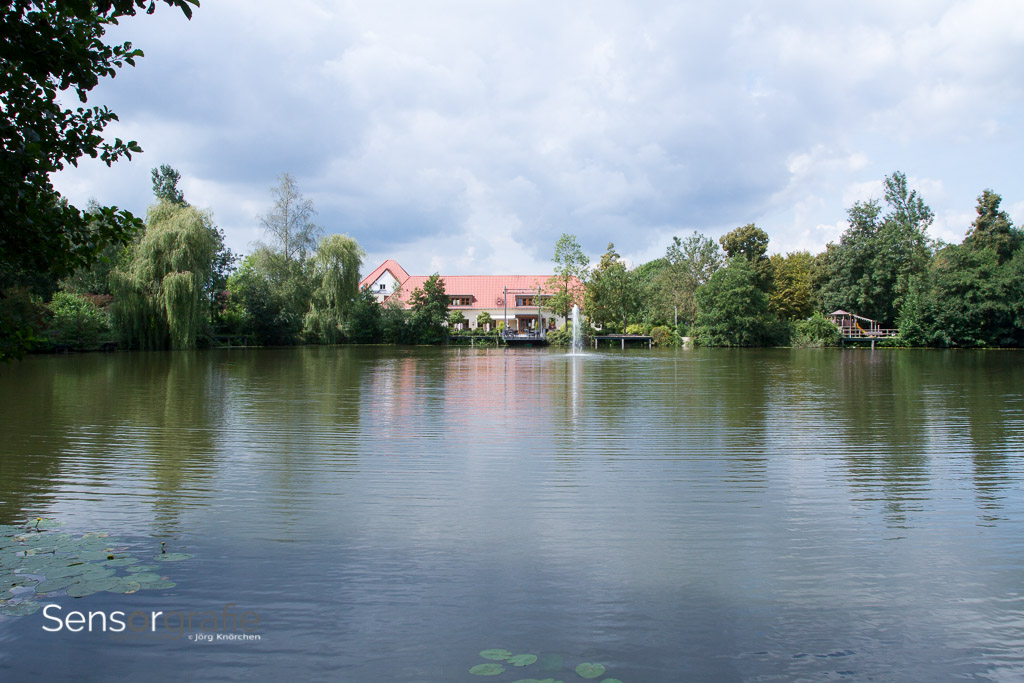
photo with the Lee Little-Stopper (1/30s)

photo with the Lee Big-Stopper (15s)

photo with a ND gradual filter (1/125s)
The second set has been taken using a Tokina SD 12-24 F4 (IF) DX ATX-PRO at 12mm. Even with 12mm there is no vignetting, but still you can enjoy the full comfort of the Badpter!

photo without any filter (1/400s)

photo with the Little-Stopper and a circular polarizer (1.3s)

pogo with the Lee Big-Stopper (5s)
Readers of this post can now save 6€ when you purchase a Badpter using the coupon code “sensorgrafie” ordering at 3D Printed ideas . Make sure you check out which version you need along with your lens and brand of filter holder.
Related Posts:
-
 Bayonet Adapter Ring for Lee-Filterholder
A few days ago I received a bayonet adapter ring by "3D printed ideas" for the Lee filter holder system. Héctor Gonzáles the owner of 3D printed ideas asked me to write a review and publish my opinion on the replacement adapter ring. By now I solely used the original 77mm…
Bayonet Adapter Ring for Lee-Filterholder
A few days ago I received a bayonet adapter ring by "3D printed ideas" for the Lee filter holder system. Héctor Gonzáles the owner of 3D printed ideas asked me to write a review and publish my opinion on the replacement adapter ring. By now I solely used the original 77mm…
-
 Plan your shot! (PlanIt! for Photographers)
Plan your shot! No worries this post is not going to be a preachment towards that you from now on should plan all your shootings before hitting the release button on your camera. This posting is more about an app that supports you to plan your shooting if you like. PlanIt!…
Plan your shot! (PlanIt! for Photographers)
Plan your shot! No worries this post is not going to be a preachment towards that you from now on should plan all your shootings before hitting the release button on your camera. This posting is more about an app that supports you to plan your shooting if you like. PlanIt!…
-
 DIY eyepiece cover / viewfinder cover
What a discovery! While writing my German post on how easy it is to build your own eyepiece or viewfinder cover, I was really amazed and confused as my post was relying on that small piece of plastic we call "Heftstreifen". What we use here at our daily business in offices…
DIY eyepiece cover / viewfinder cover
What a discovery! While writing my German post on how easy it is to build your own eyepiece or viewfinder cover, I was really amazed and confused as my post was relying on that small piece of plastic we call "Heftstreifen". What we use here at our daily business in offices…
-
 “Action!” film making at photokina 2014
photokina – world of imaging 2014: “Action!” film making at photokina 2014 For some, it is an enrichment of their powers of creative expression; for others, a welcome opportunity to extend their business model. With photokina movie, photokina 2014 offers all visitors interested in filming a special section in Hall 4.1…
“Action!” film making at photokina 2014
photokina – world of imaging 2014: “Action!” film making at photokina 2014 For some, it is an enrichment of their powers of creative expression; for others, a welcome opportunity to extend their business model. With photokina movie, photokina 2014 offers all visitors interested in filming a special section in Hall 4.1…
I am very interested in the product, I have Canon lenses 67 and 77 will the Adaptor fit these lens.tHIS SEEMS A GREAT PRODUCT.
REGARDS RON
Hi Ron,
please visit the 3D Printed Ideas website for checking if your lenses are already supported: http://www.3dpideas.net/badpter.html if not you can vote for the next development round to get supported.
Cheers
Joerg
Hi Tim,
We are working hard in some Zeiss and Tamron lenses (and in the 3DPSlots), the 18-200 is also in the “to do” list.
Best regards.
Hi.very interesting product and article.However I.ve searched and searched and having trouble to find out which Badapter – if any – fits a Canon EFS 18 to 200 mm lens – any help would be most welcome. :Regards Tim